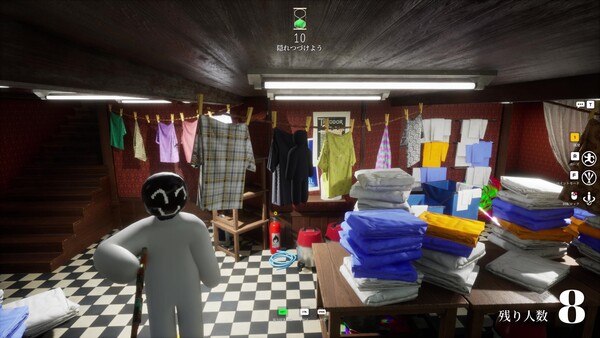
A practical first-10-minutes route for MECCHA CHAMELEON beginners: settings, first hider round, first seeker round, paint checks, and what to read next.
Last checked: 2026-07-10
Best use: follow this page during your first session, not as a deep strategy article.
MECCHA CHAMELEON becomes easier once you stop asking “where should I hide?” and start asking “what surface can my body convincingly become?” Use this first-session route.
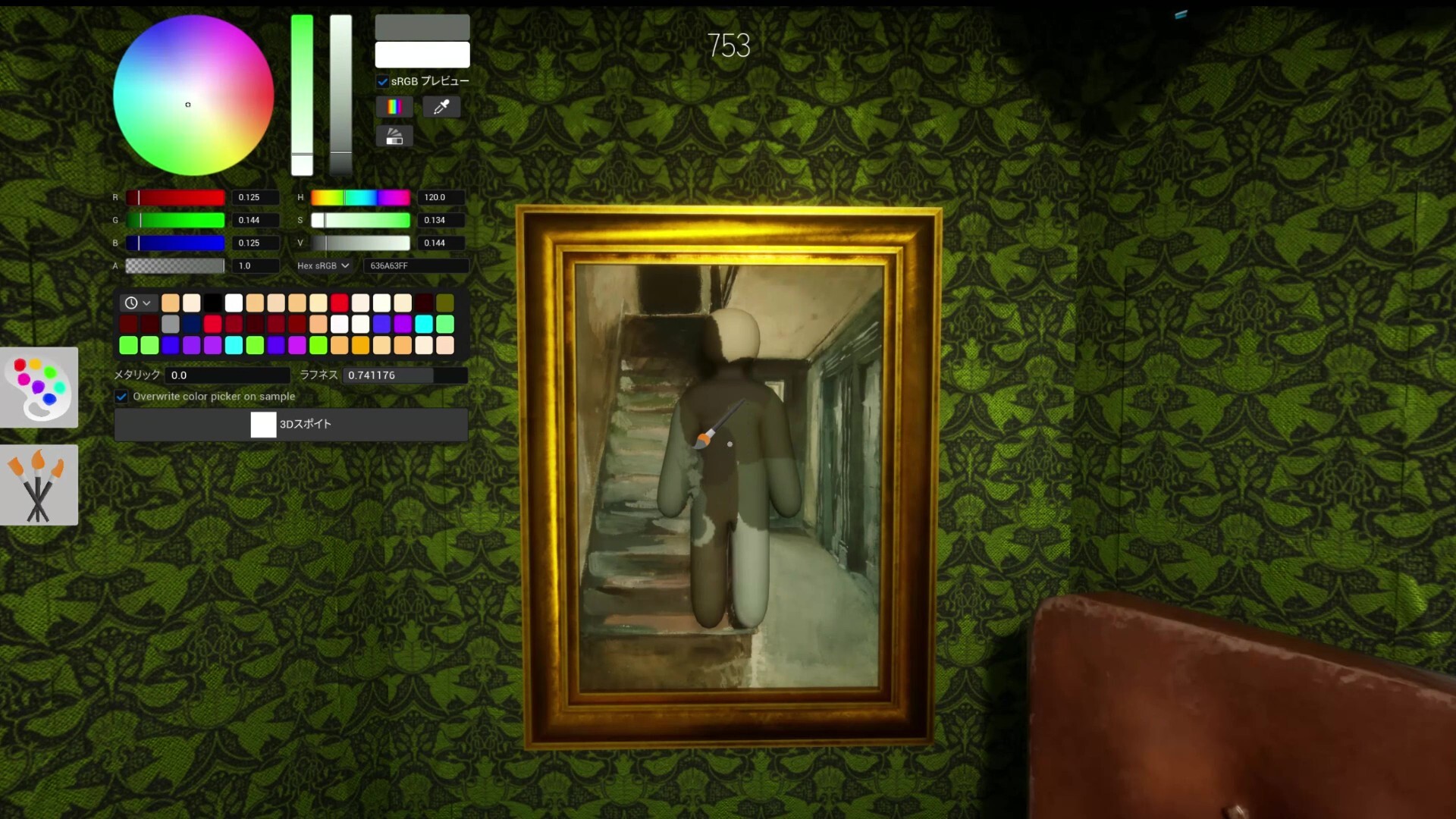
Your first hider round
Do this in order:
- Choose the surface first. Wall, pipe, carpet, shadow, furniture edge, poster, shelf, or clutter group.
- Paint large zones before details. A half-painted white torso is easier to spot than a small color imperfection.
- Hide landmarks. Head, shoulders, elbows, knees, and feet give you away faster than a slightly wrong color.
- Check seeker angle. Ask: would this body shape look normal from the doorway?
- Stop moving early. Last-second rotation is often more suspicious than a mediocre color match.
Good first hiding spots
- Patterned wallpaper edges
- Furniture sides or shelves
- Dark pipe/corner clusters
- Brick or concrete with rough texture
Bad first hiding spots
- Clean empty wall center
- Bright floor with your full outline visible
- Open doorway sightlines
- Funny meme spots every seeker checks first
Your first seeker round
Do not inspect every pixel. Use this scan path:
If Hunter ammo limits are enabled, shoot only after two or more clues line up. A single odd color patch may be bait.
What to learn after the first match
- If you were found instantly: read Hider Guide and focus on silhouette.
- If your paint looked close but still suspicious: read Paint System Guide.
- If you could not join a lobby or Workshop map: read Known Issues and Fixes.
- If public matches are chaotic: start with friends or simpler lobbies before Workshop-heavy servers.
Beginner FAQ
Should I play Hider or Seeker first?
Play one Hider round first to understand the paint loop. Then play Seeker to learn what failed hiding looks like.
Should I memorize best spots?
Not yet. Learn surface types first. Patches and Workshop maps can make fixed spots unreliable.
What is the fastest improvement?
Stop hiding in clean open areas. Use surfaces that already have patterns, shadows, props, or edges.