Official Steam listing
Use Steam to confirm the current store status, platform requirements, price, and the game’s listed features.
Open Steam listing ↗Online safety brief
Play free MECCHA CHAMELEON browser games right now — two original, no-download games built on its paint-and-hide mechanic. Plus a straight answer on the official game, online multiplayer, and fake 'Play Now' risks.
Safety verdict
These are three different claims. Treat each according to the evidence available, not the wording on a button.
Use Steam to confirm the current store status, platform requirements, price, and the game’s listed features.
Open Steam listing ↗Steam lists online multiplayer features. Lobby availability and connection quality can vary; this guide does not promise a working public match at any given moment.
We have not verified an official browser version. A third-party button may be an ad, redirect, unrelated game, or installer—not proof of browser play.
Play free MECCHA CHAMELEON browser games right now — two original, no-download games built on its paint-and-hide mechanic. Plus a straight answer on the official game, online multiplayer, and fake 'Play Now' risks.
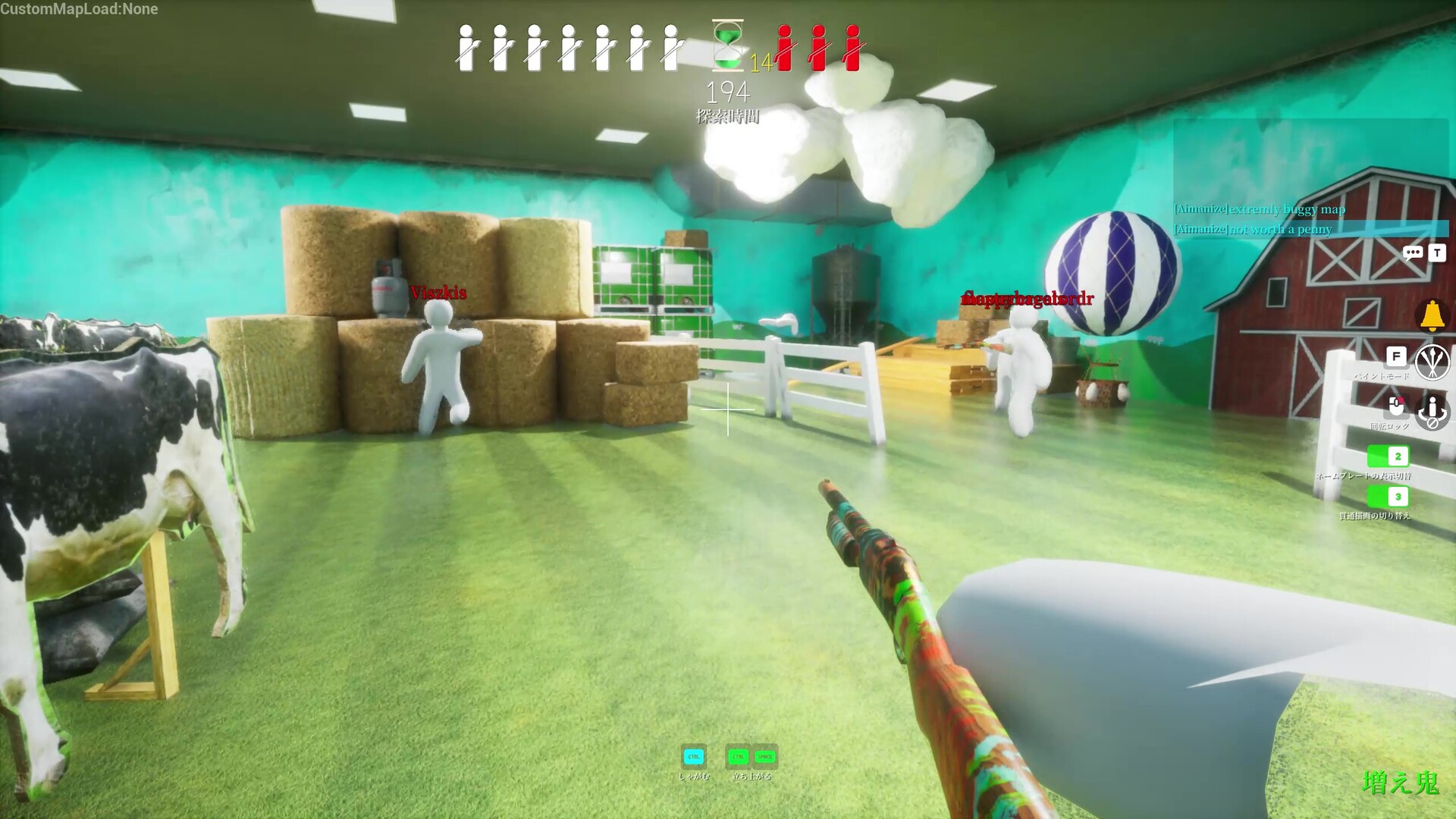
The full MECCHA CHAMELEON is a paid Windows game on Steam — there is no official browser version. But you can play our two free, original browser games built on its paint-and-hide mechanic right now: no download, no sign-up.
Both load instantly and are free — fan-made originals, not the official game, so you get the core paint-and-hide idea without gambling on a sketchy “Play Now” download. Want the full multiplayer game? It is on Steam for $5.99.
Use the official MECCHA CHAMELEON Steam listing to check the current store status, system requirements, price, and feature labels. Steam lists Online PvP, and the store description discusses playing with friends or other players. Store labels describe supported features; they do not guarantee that a particular public lobby, invite, or connection will work at the moment you try it.
We have not verified an official browser version. If a page claims “play online without download,” check whether it actually provides the official source, explains who hosts the game, and avoids unrelated redirects. The safer path is to verify the current Steam listing first.
The official description says that a server not set to private can be joined by other players. Actual public-lobby availability depends on active hosts and current service conditions.
That does not mean every public server will work perfectly. Steam discussions and reviews include reports of public joining problems, custom map download failures, and players being returned to the main menu.
The official description presents playing with friends as supported, but player reports suggest joining and Steam invites may not always be smooth for everyone. If friend joining fails:
Steam’s official description says streamers can host viewer-participation games. Treat that as a supported use case, not a promise that every lobby setup or connection will succeed.
For streamers:
Steam recommends 2–10 players, depending on host network environment. This suggests online quality can depend on who hosts and how stable the connection is.
Not immediately. Workshop maps are a major part of the game, but new players should first learn painting and seeking on stable/default lobbies. Custom maps can add download and balance problems.
store.steampowered.com before continuing.